Generative AI Workflows: A Practical 2025 Guide to Building End-to-End Enterprise Pipelines
Generative AI workflows are now key business tools. In 2025, teams don’t ask if models can create content. They ask if models can run well, follow rules, and fit real systems.
This guide explains generative AI workflows in plain terms. It covers data input, training, testing, launch, and day-to-day ops. For systems that need memory, access control, and step-by-step alignment, see context-aware AI for business.
In real work, generative AI workflows connect data, models, and checks. They help you ship faster without losing control.
Table of Contents
- What Are Generative AI Workflows?
- Core Components of Generative AI Workflows
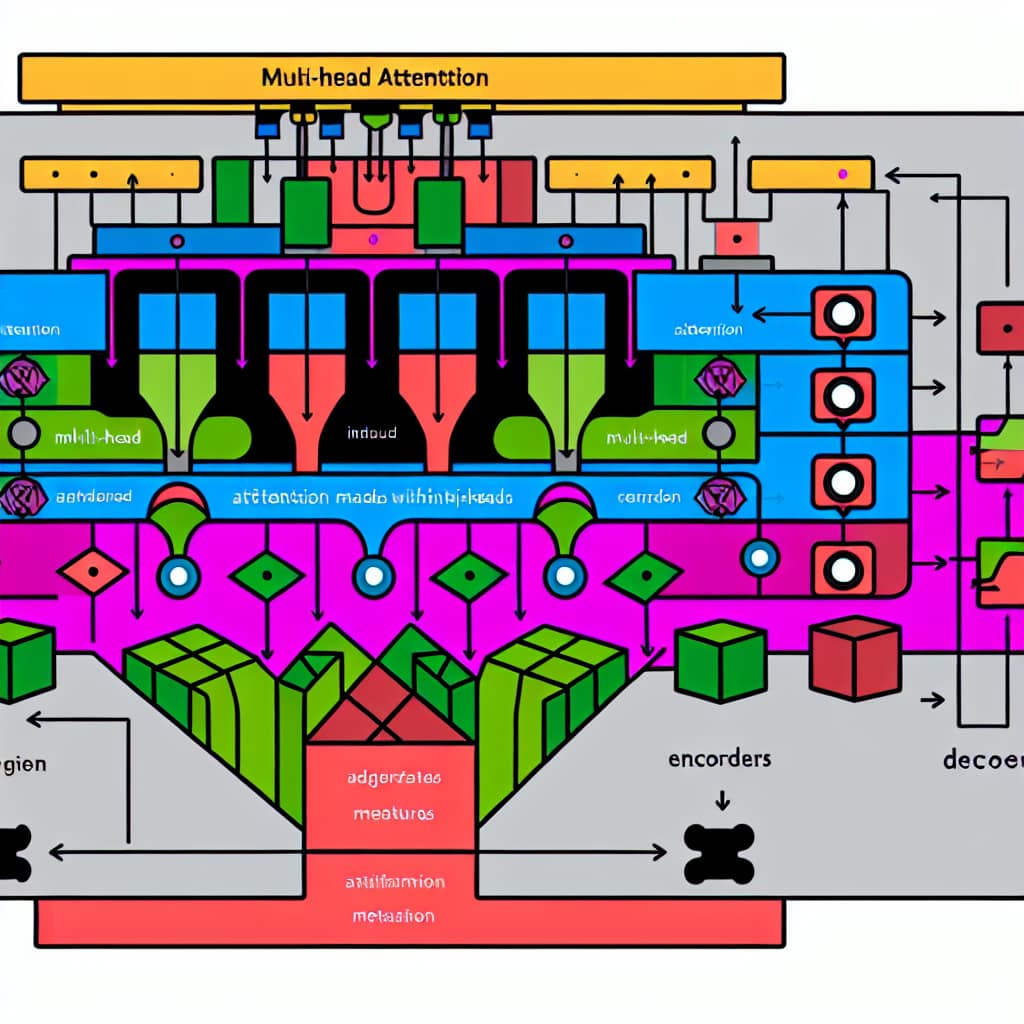
- Architecture and Design Patterns
- Frameworks Used in Enterprise Workflows
- Real-World Applications
- Deployment Best Practices
- Common Challenges
- FAQ
- Conclusion

What Are Generative AI Workflows?
Generative AI workflows are repeatable steps to build, deploy, and run systems that create text, images, code, or other content. They add checks, logs, and rules so results stay steady.
These workflows differ from older ML pipelines. They deal with messy input, uneven output, and live links to business tools. Design matters because it affects speed, cost, and trust.
What makes a workflow enterprise-grade
Enterprise teams need clear answers. They must know what data was used and what version ran. They also need proof that key rules were applied.
Access control is part of the workflow. The system must not fetch files the user can’t see. It must not change records without approval.
End-to-end view: from data to production
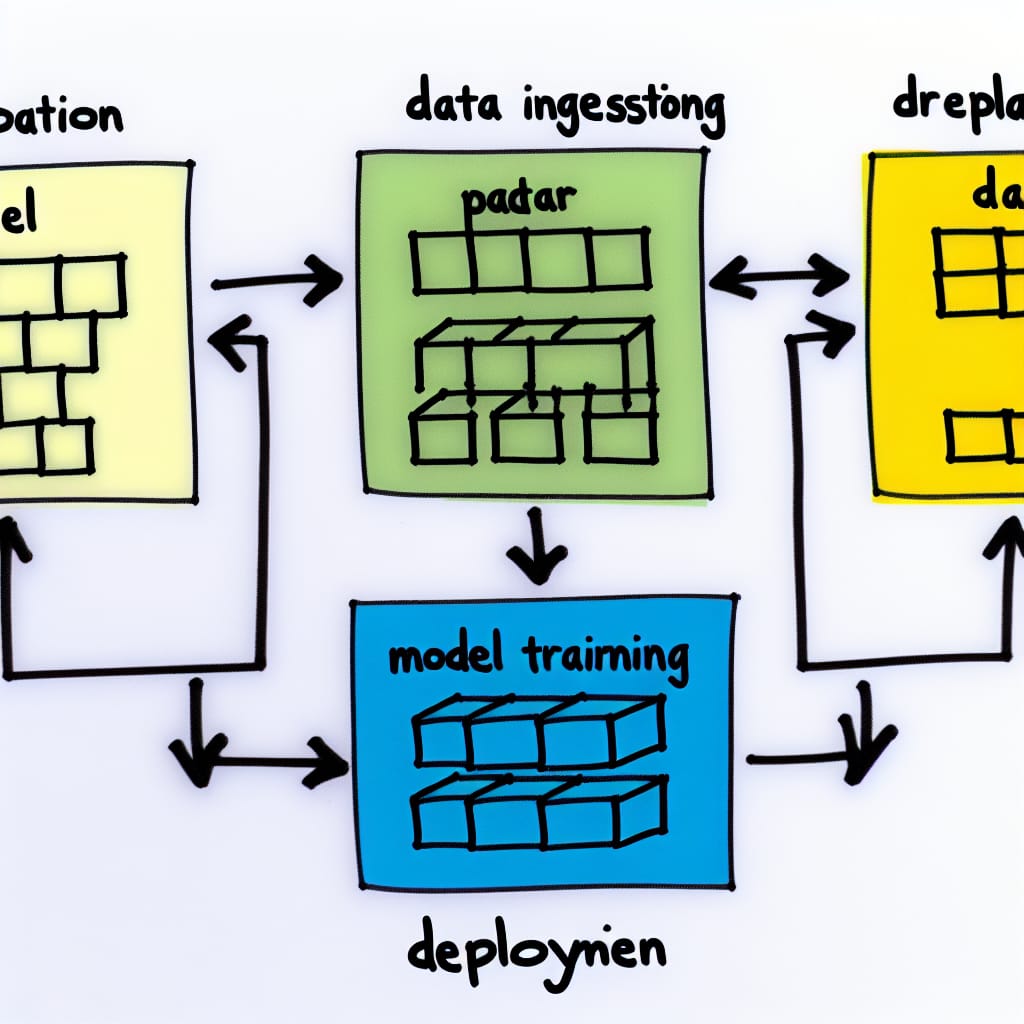
A full flow includes data input, data checks, prep, training or tuning, tests, launch, and monitoring. If one step is weak, trouble shows up later.
You may see slow replies, wrong outputs, or low trust. The workflow is the ops layer for the model. The model makes content, and the workflow keeps it safe and repeatable.
Core Components of Generative AI Workflows
Data collection and ingestion
Enterprise data comes from APIs, databases, docs, logs, and user input. The ingest layer checks format and basic quality. It also records where the data came from.
Loose ingest makes bugs hard to find. Many “model issues” are really bad or old source docs.
Preprocessing and transformation
Prep improves signal while managing cost and time. For text, this can mean clean-up, de-dup, and chunking. For images, it can mean resize and format change.
Too much prep adds delay. Too little prep adds noise and hurts search and retrieval.
Model training and fine-tuning infrastructure
Training can use GPUs, batch jobs, and saved checkpoints. Fine-tuning can cut cost versus full retraining. Shared compute needs good scheduling.
Teams keep training stable with standard data sets and run logs. They also gate releases with simple test rules.
Evaluation and validation
Teams use metrics plus human review. They check tone, policy fit, basic facts, and repeat results. They also watch for unsafe outputs.
Keep a test set of real prompts. Run it each time you change prompts, models, or retrieval. This prevents quiet quality drops.
Deployment and serving
Production often uses containers and an API gateway. It also uses auto-scale. Teams add logs, rate limits, and safe fallbacks.
If a system breaks often, users stop using it. Even a strong model won’t save a weak service.
Workflow control and approvals
Workflow control ties the steps together. It runs ingest, batch jobs, tests, and release steps. It also handles approvals and change rules.
A common pattern is draft then approve. The system drafts a reply, and a person approves before sending an email or updating a record.
Monitoring and cost tracking
Monitoring is more than uptime. Track latency, errors, and bad output tags. Track how often users reject or edit replies.
Track cost too. If you don’t measure cost per task, bills can surprise you.
Generative AI Workflows Architecture and Design Patterns
Hybrid batch and real-time processing
Many teams use both batch and real-time paths. Batch runs handle doc ingest, eval runs, and model refresh. Real-time serves user requests.
This split saves money and keeps the UI fast. It also limits what can break in real time.
Microservices separation
Split ingest, prep, model calls, and post steps into services. This makes updates safer. It also lets you scale only what needs scale.
Microservices work best with clear contracts. Define schemas and versions. Enforce them in CI.
Artifacts, prompts, and lineage discipline
Small prompt edits can change outcomes across many tasks. So track prompt versions like code. Store them with release notes.
Track prompt version, model version, retrieval setup, and test results together. This makes rollbacks quick and audits easier.
RAG-first design for knowledge-heavy work
When answers depend on company docs, use retrieval first. Pull approved sources. Then ask the model to answer using that context.
This cuts guesswork and improves consistency. It also helps when policies or docs change.
Comparison table: common workflow styles
| Workflow style | Best fit | Strength | Trade-off |
|---|---|---|---|
| Batch generation | Reports, summaries, offline content | Lower cost, planned runs | Not interactive |
| Real-time generation | Chat, copilots, agent help | Fast feedback | Higher infra needs |
| RAG + generation | Policy, support, internal knowledge | Grounded outputs | Needs retrieval tests |
| Agentic workflows | Multi-step tasks with tools | Automates steps | Needs strict guardrails |
Frameworks Used in Enterprise Workflows
Enterprises pick tools based on how well they can run them. They care about uptime, logs, access, and clean releases. They also care about cost control.
Common stack building blocks
Workflow engine: Runs ingest, tests, and releases. Many teams tie it to CI/CD so changes follow a clear process.
Model lifecycle: A registry for models and prompt templates. It should store test results and approval status for each release.
Serving: Container APIs behind gateways, with auto-scale and fallbacks. Many teams add content filters and policy checks here.
How to choose tools without getting stuck
If you have strong platform skills, you can mix best-of-breed parts. If you are early, an integrated setup can be easier to run.
Try this test. If your team struggles with repeat builds, pick tools that make releases and rollbacks easy.
Real-World Applications
Enterprise content and knowledge workflows
Marketing and docs teams use workflows for drafts, summaries, and variants. The best setups keep human review in place. They also ground outputs in approved sources.
This is where brand rules and claim checks live. It keeps outputs consistent across teams.
Financial and professional services
Regulated teams use workflows for doc review, report drafts, and internal research. Audit logs and access control are must-haves.
Many wins come from consistency. Fewer missed steps. Faster turnarounds on repeat work.
Healthcare and life sciences
Healthcare teams use workflows for notes, summaries, and research help. Safety matters more than speed. Review steps are often required.
Teams use strict retrieval rules and conservative prompts. They also limit who can access what.
Customer support and service operations
Support flows often do four things. They summarize the case, fetch policy, draft a reply, and route the ticket.
For deeper patterns on memory and permissions, see context-aware AI for business.
Deployment Best Practices
Version control everything (and tie it to approvals)
Version code, data snapshots, prompts, configs, and model artifacts. Treat prompts and retrieval rules as release assets, not loose text.
When you tie approvals to versions, you can answer “what changed” fast. This speeds up fixes.
Monitor output quality, not just uptime
Track latency and errors. Also track edits, rejects, and escalations. These show quality issues early.
Sample outputs each day. Use a short review rubric. Keep it light but consistent.
Roll out changes gradually
Use staged rollouts or canaries. This limits impact when prompts, retrieval, or models change. It also helps you compare before and after.
Gradual rollouts reduce panic rollbacks. They keep teams calm.
Secure the serving layer
Use auth, role checks, and rate limits at the API edge. Log request IDs and version tags. Avoid logging sensitive content.
Build security before you open access widely. Fixing security later is slow and costly.
Cost optimization that does not hurt quality
Use caching, batching, and routing to smaller models for simple tasks. Trim context to what you truly need.
Measure cost per task. Don’t guess.
Common Challenges
Latency and performance
Latency is often a workflow issue. Retrieval speed and post steps add delay. Model calls are only one part.
Teams improve speed with caching, batching, and streaming. They also limit context size.
Data quality and inconsistency
Old or mixed docs cause mixed answers. This leads to repeats and escalations. Fix the source and the workflow improves.
Assign owners to key docs. Add light review cycles.
Evaluation gaps
Without tests, teams argue about one-off examples. A small test set from real prompts fixes that. It makes quality measurable.
Add negative tests too. Try prompts that ask for restricted data or unsafe actions. Make sure the workflow refuses.
Trust and adoption
Users adopt tools they can predict. Clear limits and steady outputs build trust. Logs and review gates also help.
Start with draft-only flows. Add more autonomy only after results stay stable.
FAQ
How are generative AI workflows different from traditional ML pipelines? They deal with unstructured data and variable outputs. That makes testing, monitoring, and governance more important.
Do all workflows require real-time inference? No. Many enterprise tasks work in batch or near real time. Examples include reports and scheduled content.
What should we build first? Start with one repeat task. Pick a flow that needs summarizing and policy lookup. Ship as draft-first, then expand.
How do we reduce unsupported claims? Use approved sources with retrieval. Require source notes in the output format. Add checks for high-risk replies.
Conclusion
Generative AI workflows are becoming core enterprise systems. Success depends on clear rules, solid tests, and stable ops.
For governance and risk, many teams use the NIST AI Risk Management Framework.
Well-designed generative AI workflows help you scale without losing control. They keep quality steady, even as use grows.
Explore related topics in AI, GenAI, and Data Science, or Stay Connected.