
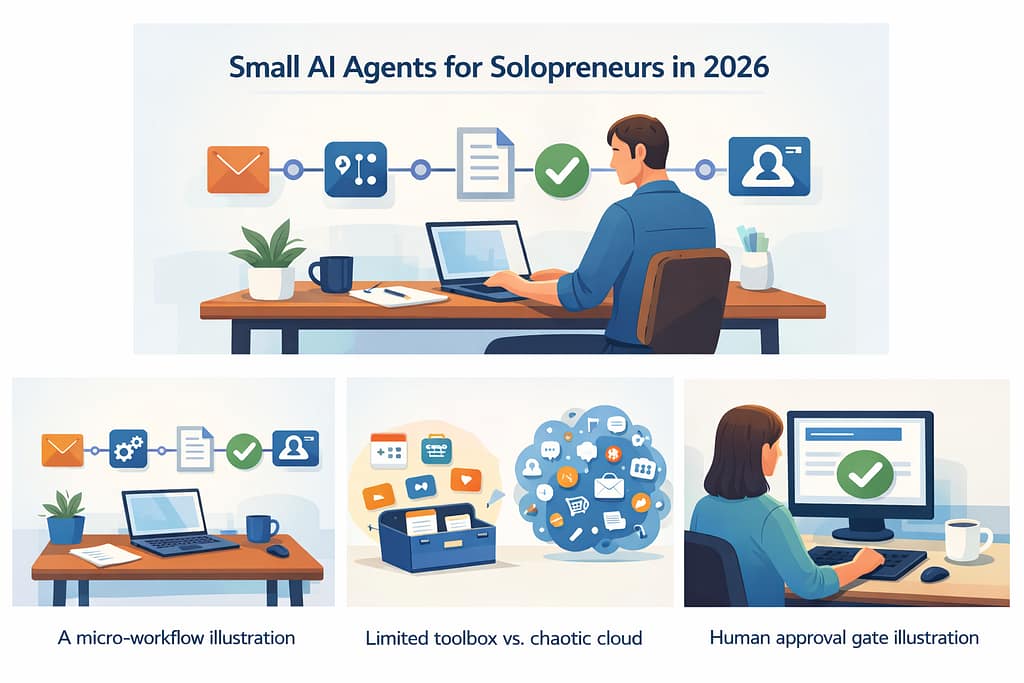
If you’re running a one-person business, you don’t need a massive “do-everything” bot. In practice, small AI agents for solopreneurs work best when they do one job, follow a checklist, and ask for approval before they touch anything important.
Think of a small agent as a repeatable micro-workflow: it reads a trigger, takes 2–6 steps, and produces a clean output. The benefit isn’t novelty; it is fewer dropped balls in sales, admin, and content.
There is consistent value in agents that live in the boring middle: inbox triage, follow-ups, scheduling, brief creation, and repurposing. These tasks are predictable, and predictable tasks are where reliability is easiest to achieve.
The broader trend in 2026 is simple: teams want proof and payback, not vague promises. That is why “tiny teams” and ROI-first agent workflows keep appearing across industry coverage and developer ecosystems.
What “small” really means (and why it matters)
A small agent has a narrow scope, limited tools, and a clear success condition. It does not roam across your entire business; it finishes a defined job and stops.
That constraint is an advantage. Narrow agents are easier to test, easier to fix, and safer to run with a human in the loop.
The practical rule: one agent = one outcome
A useful rule is: one agent, one measurable outcome. For example: “Draft a reply, propose three time slots, and log the lead status.”
When you keep the outcome singular, you can judge quality quickly. You can also swap tools later without rewriting your whole system.
For deeper background on related AI guides, readers can explore your AI category hub for broader context.
The 7-step setup: from idea to reliable workflow
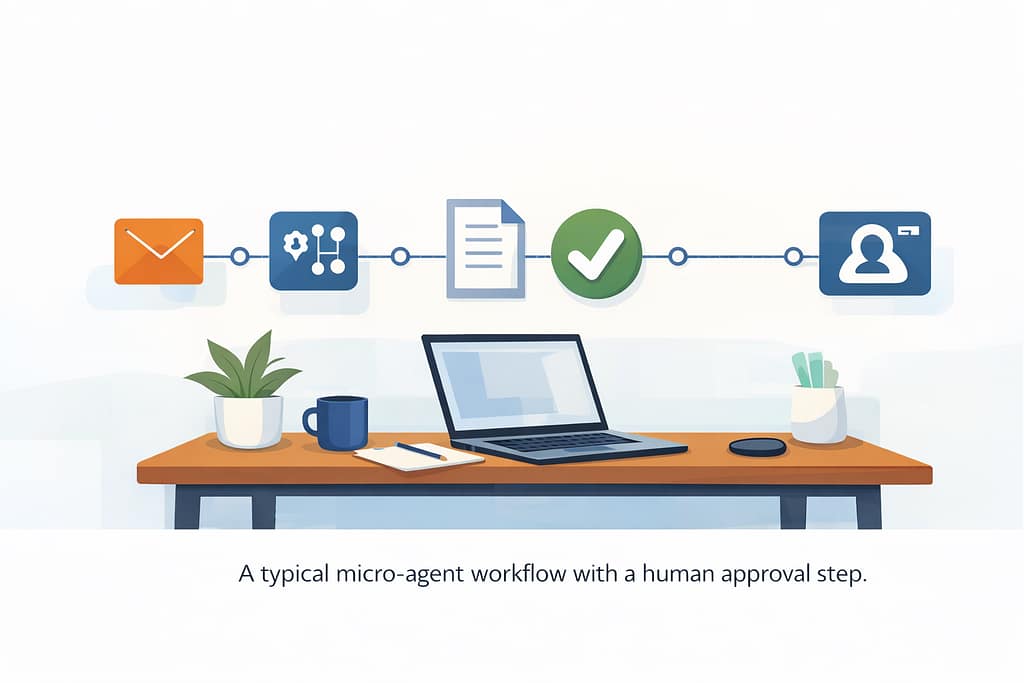
This is a process that moves from “cool idea” to something you can trust in the middle of a busy week. It leans more on workflow design than on clever prompting.
Step 1: Pick the bottleneck that costs you money
Start with work that is frequent and close to revenue: inbound leads, follow-ups, proposals, and client onboarding. If the workflow does not matter, automation will just help you be wrong faster.
Write the trigger in plain language: “When a lead emails from the website form…” or “When a Calendly booking comes in…”.
Step 2: Define the agent’s inputs and outputs
For small AI agents for solopreneurs, this step is crucial for clarity.List the exact inputs the agent can use, such as email text, a product list, pricing rules, and your availability. Then define the output format, whether that is a reply draft, three subject lines, or a summary with bullet points.
If you can’t describe the output clearly, you don’t have an agent yet. You have a wish.
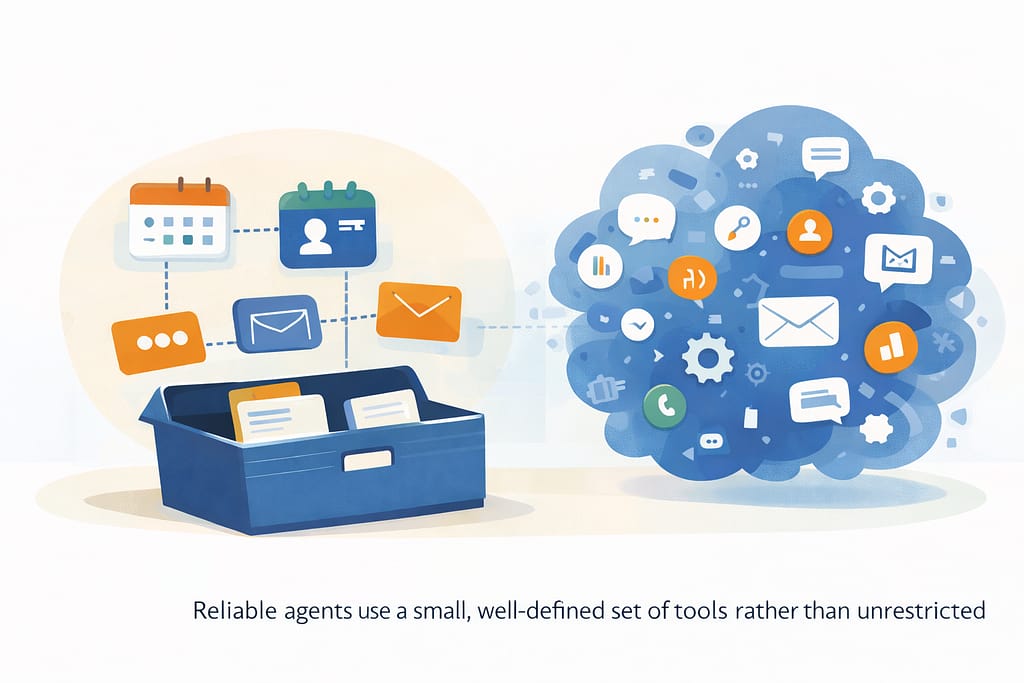
Step 3: Add a “toolbox,” not a universe
Building small AI agents for solopreneurs requires careful tool selection.Agents become reliable when they have limited tools and limited permissions. In modern agent stacks, a model can call tools (APIs or functions) instead of guessing.
Your toolbox might include:
- Read-only access to a CRM record
- Calendar availability lookup
- A pricing calculator function
- A “create draft email” action (not “send email”)
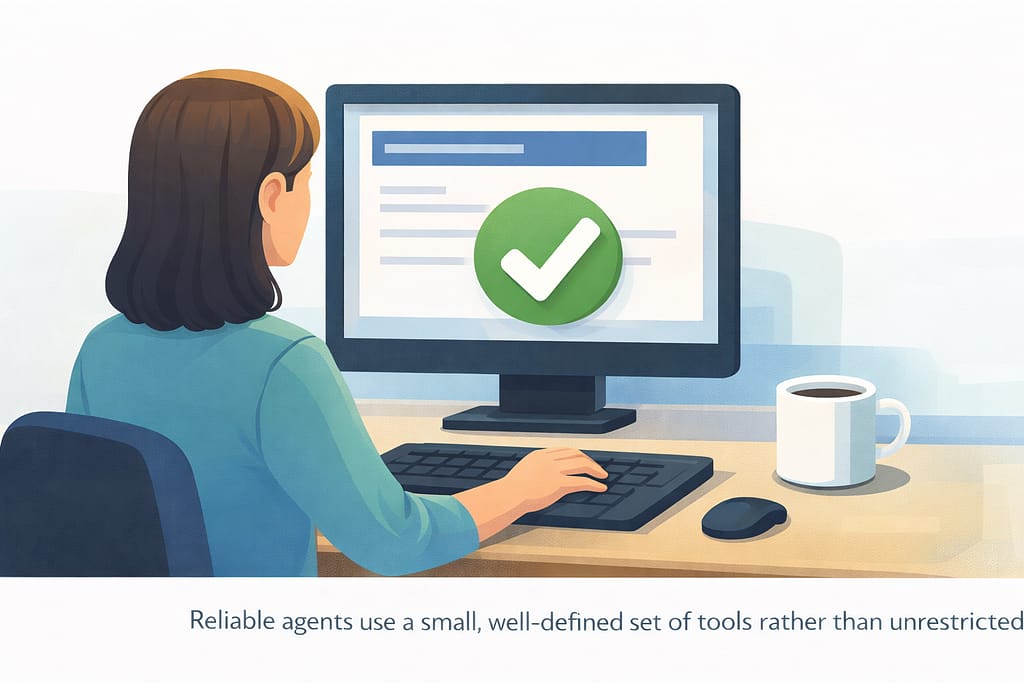
Step 4: Put approvals where mistakes hurt
Approvals are essential for anything that:
- Sends messages externally
- Changes customer data
- Touches money (invoices, refunds, discounts)
A common pattern is “draft → human approve → send,” and many teams report that this choice removes most anxiety about agents.
Step 5: Force structured outputs (so you can automate safely)
Free-form text is fragile for automation. Ask for JSON or a strict template so your workflow can validate it before taking action.
{
  "lead_summary": "string",
  "lead_stage": "new | warm | hot | not_a_fit",
  "reply_draft": "string",
  "next_action": "schedule_call | send_pricing | ask_clarifying_question",
  "confidence": "low | medium | high"
}
If the output doesn’t validate, the agent retries or asks you for clarification. That is uneventful, and that is exactly the behavior you want.
Step 6: Log everything (future you will thank you)
Every run should store the input, tool calls, output, and final action. Tracing is a core idea in modern agent SDKs because it makes failures debuggable instead of mysterious.
This is also how you improve prompts without guessing. You review the weaker runs, spot patterns, and tighten guardrails.
Step 7: Ship version 1, then tighten weekly
Do not wait for perfection. Ship the smallest safe version, then tighten one piece each week: better templates, cleaner rules, fewer tools, or better fallback behaviors.
This is how small AI agents for solopreneurs become dependable: iteration with evidence, not endless tinkering.
For readers who want more GenAI tutorials around agent design, your GenAI category provides useful follow-on material.
Use cases that actually pay off for one-person businesses
The best agent ideas are narrow, repeatable, and easy to measure. If you want meaningful results, start with just one.
Lead capture and follow-up agent (revenue-adjacent)
Trigger: new inbound message or form fill.
Outcome: summarize the lead, classify intent, draft a reply, and propose a next step.
This agent saves time and protects revenue, because follow-up speed matters and consistency is hard when you juggle delivery and sales. The safest pattern is to let the agent draft and suggest a next step, while you approve before sending.
AI guides
Proposal “first draft” agent (high leverage)
Trigger: a discovery call summary or intake form is available.
Outcome: produce a proposal draft using your standard scope blocks and pricing rules.
This is a classic structured-output use case. You keep a library of scope modules such as “SEO audit,” “monthly retainer,” or “training workshop,” and the agent assembles the first version for you to edit.
Internal link idea: connect this to your GenAI workflow ideas so readers can see more examples of workflow design.
Client onboarding agent (reduces churn)
Trigger: proposal accepted or invoice paid.
Outcome: generate an onboarding checklist, draft a welcome email, request assets, and set expectations.
Onboarding is where misunderstandings often appear, and a small agent can standardize tone and coverage so you don’t skip key steps.
Content repurposing agent (monetizable and reusable)
Trigger: publish a blog post or long LinkedIn post.
Outcome: generate short hooks, carousel outlines, and a 30–60 second script for video platforms.
This agent is ideal for repurposing because you can constrain it with brand voice rules, banned claims, and a fixed structure. It also pairs well with affiliate mentions in a “tools used” section on your site.
You can optionally link this to your data science posts when you discuss analytics around what content performs best.
Tooling choices: no-code, low-code, and custom builds
Your best stack depends on how technical you are and how much control you need. The key is choosing a setup that allows approvals, logs, and structured outputs.For deeper exploration, check out the OpenAI agents framework documentation.
No-code: fastest to start, limited control
No-code tools are effective for a first agent if you keep the scope small. You typically connect triggers such as email, forms, or calendar events to actions like “draft email” or “create task.”
The trade-off is control. If you cannot enforce structure or add clear approval steps, reliability can suffer as workflows grow.
Low-code: best balance for most solopreneurs
Low-code setups let you add validation, retries, and rule-based checks. This is where many production-ready solo workflows end up.
A simple approach looks like this:
- One orchestration layer for workflow automation
- One model layer for language understanding
- One storage layer for notes, CRM data, or logs
Custom: maximum reliability when you need it
If you need full tracing, multi-step logic, and controlled tool calls, developer-focused agent SDKs and frameworks are designed for this. OpenAI’s Agents SDK emphasizes tool use, handoffs, and traces for agentic applications.
For complex, stateful workflows, graph-based orchestration frameworks like LangGraph give you more explicit control over agent state and transitions.
HTML comparison table (WordPress-friendly)
| Approach | Who it suits | Pros | Cons |
|---|---|---|---|
| No-code | Non-technical solopreneurs starting their first agent. | Fast to launch, visual builders, many integrations. | Limited structure, weaker control over edge cases. |
| Low-code | Founders comfortable with basic logic and APIs. | Good balance of control, logging, and speed. | Requires more setup and ongoing maintenance. |
| Custom | Technical users or teams building core infrastructure. | Maximum reliability, tracing, and flexibility. | Higher development cost and complexity. |
External DoFollow suggestion for this section:
OpenAI Agents SDK documentation
External link: https://platform.openai.com/docs/guides/agents-sdk
Guardrails: accuracy, approvals, privacy, and AdSense-safe content
If you want small AI agents for solopreneurs to be safe and stable, guardrails are not optional. They are the operating system for your workflows.
Guardrail 1: Make the agent cite its inputs (internally)
When the agent writes a reply or proposal draft, it should reference which inputs it used, such as “pricing_v3,” “client_industry,” or “last_email.”
This makes review fast and nudges the model to ground its output rather than invent details.
Guardrail 2: Keep “computer control” agents on a short leash
Some platforms support tools that let models interact with user interfaces. That can be useful, but it increases the need for oversight. Documentation from major providers describes loops where models decide to use a computer tool, execute actions, and then return results for review.
For solopreneurs, reserve this style of agent for repetitive internal admin tasks with clear stop conditions and monitoring.
Guardrail 3: Separate “drafting” from “sending”
Drafting is low risk; sending is high risk. A clean production pattern is: agent drafts, you approve, and a deterministic system sends.
This separation keeps outreach predictable and supports AdSense-safe, non-spammy behavior in your broader ecosystem.
Guardrail 4: Privacy and data minimization
Only give the agent what it needs for the specific task. If it drafts a follow-up email, it does not need full access to your entire customer history.
When you handle sensitive data, consider basic redaction before sending content into any model workflow. You can also hide sensitive fields behind tools that return only the needed slices of information.
Guardrail 5: A simple failure mode that doesn’t break your day
Define what happens when the agent is unsure: ask a clarifying question, produce a short draft and mark confidence as low, or stop and request review.
In real usage, a graceful stop is better than a confident mistake that you uncover later.
For readers who want more long-form AI guides and updates, you can invite them to Stay Connected for future playbooks.
FAQ
What are small AI agents for solopreneurs?
They are narrowly scoped automations that use an AI model plus limited tools to complete a repeatable task, usually with an approval step before any high-impact action.
Do I need to code to use small agents?
Not always. Many solopreneurs start with no-code or low-code workflows and then move to custom builds only when they need deeper control, logging, or complex state.
What’s the safest first agent to deploy?
A draft-only lead follow-up agent is a strong starting point. It is close to revenue, easy to review, and does not require automatic sending.
How do I reduce mistakes and made-up details?
Use structured outputs, limit the tools available, require approvals, and keep a trace or log for every run. When the agent is unsure, it should stop or ask a clarifying question instead of guessing.
Will this still work as models change?
Yes, because the core design is model-agnostic: scope, tools, validations, approvals, and logs. The model is just one component that you can swap as better options appear.
Can I repurpose these workflows into content?
Yes. Each agent use case can become a short tutorial, a carousel, or a 30-60 second Shorts script with a clear before-and-after outcome.
Conclusion
In 2026, the most useful automation for a one-person business is not a giant assistant that tries to do everything. It is a set of small AI agents for solopreneurs that handle one workflow well, with guardrails that make outcomes predictable.The success of small AI agents for solopreneurs lies in their laser focus and proper guardrails.
Start with a revenue-adjacent bottleneck, keep the agent’s toolbox small, and add approvals where mistakes would hurt. Ship a safe version, review the logs weekly, and tighten the workflow based on real runs instead of theory.This iterative approach is what makes small AI agents for solopreneurs genuinely useful in practice.
If you want a concrete next step, build the lead follow-up draft agent first, then expand from there one measurable outcome at a time.
Author Bio
Sudhir Dubey is an AI researcher and data science educator focused on practical AI deployment and fine-tuning strategies for enterprise use cases.